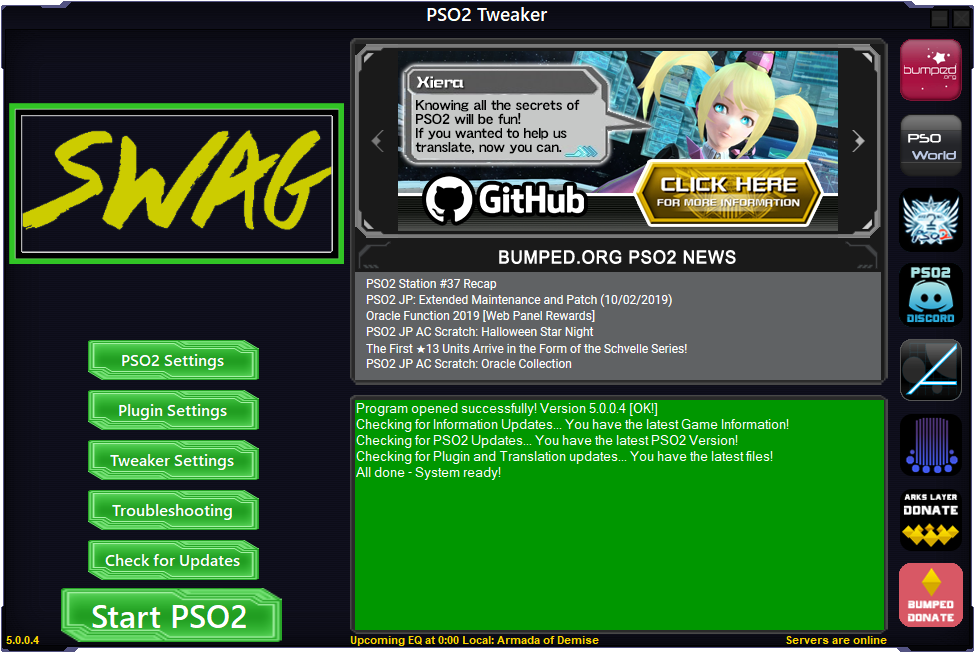
Creating your own themes
You can download the original Tweaker asset files by clicking here.
You can then recolor the original theme's assets (using a service like LunaPic or GIMP's Colorize function), or modify them however else you wish, and load them into the Tweaker through the Tweaker settings -> Theme settings menu.
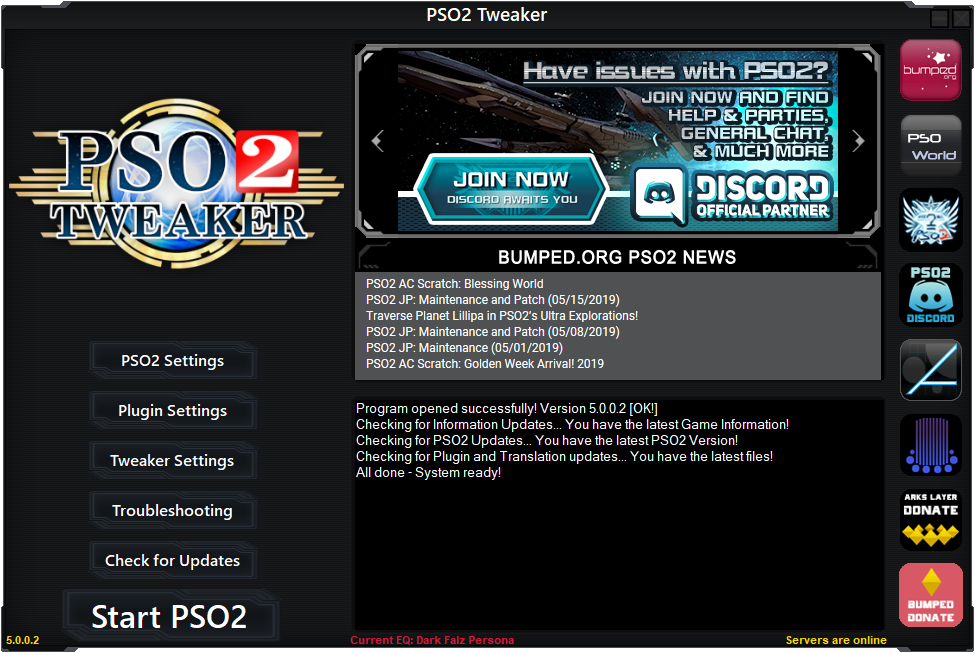
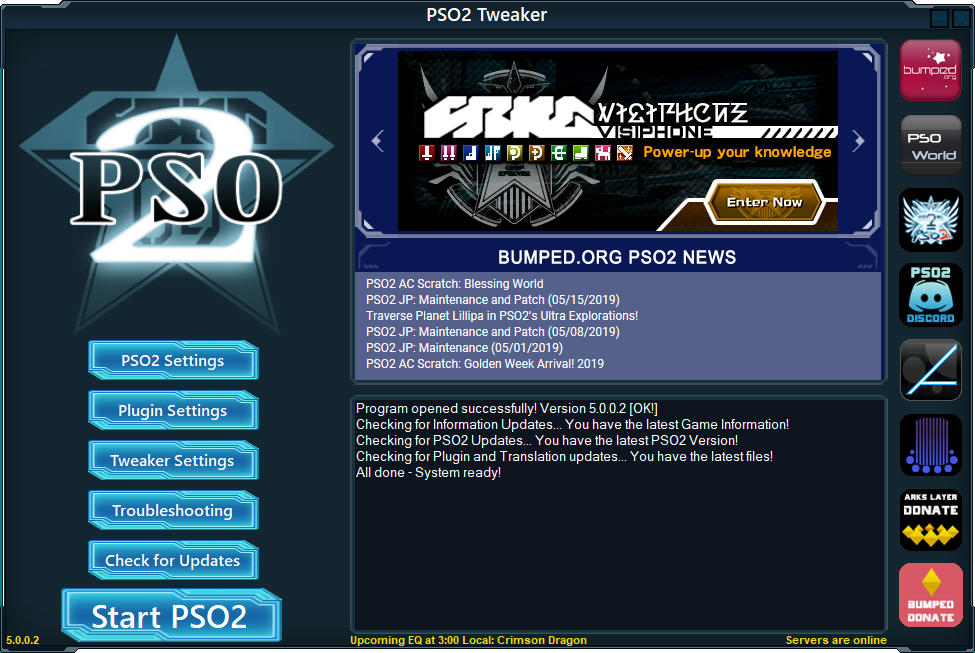
Downloadable themes
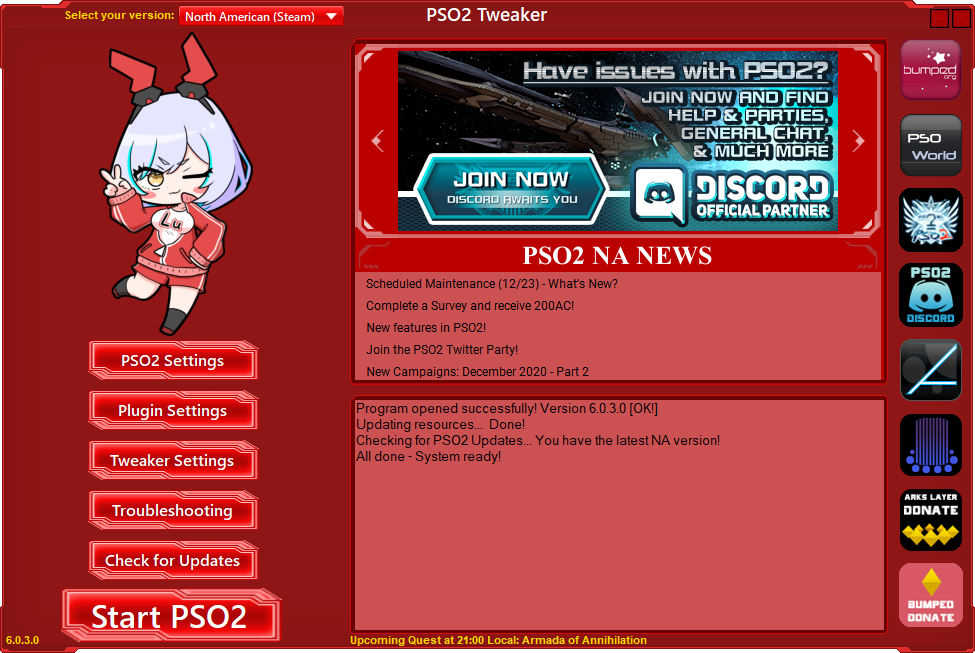
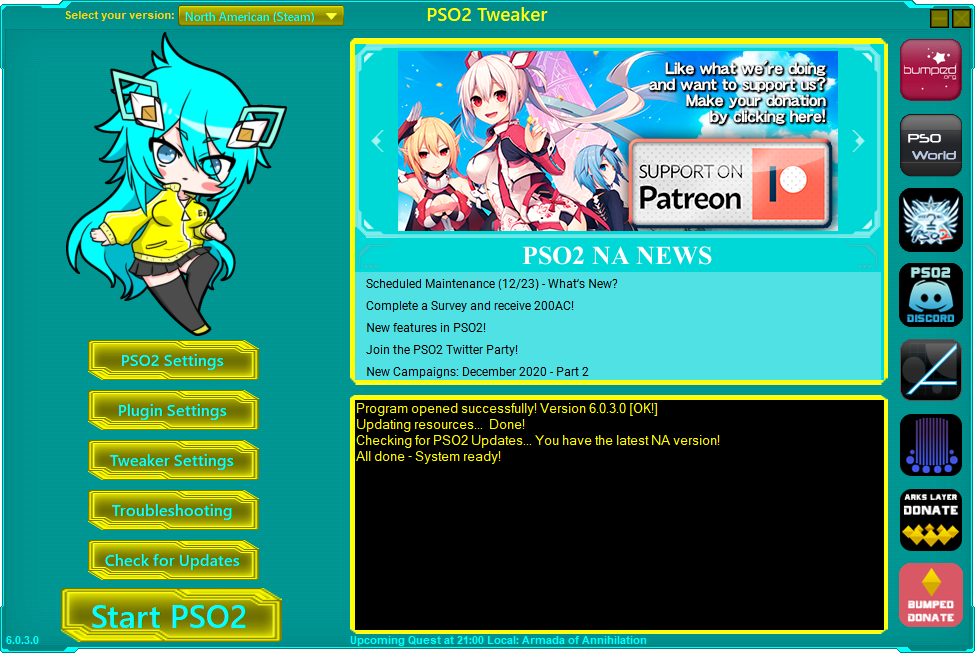
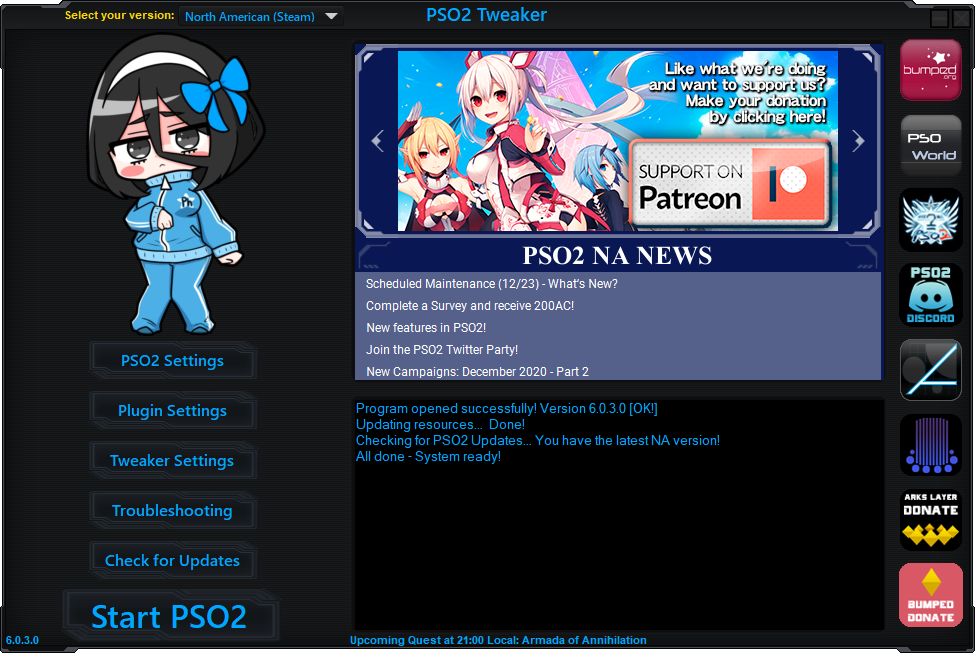
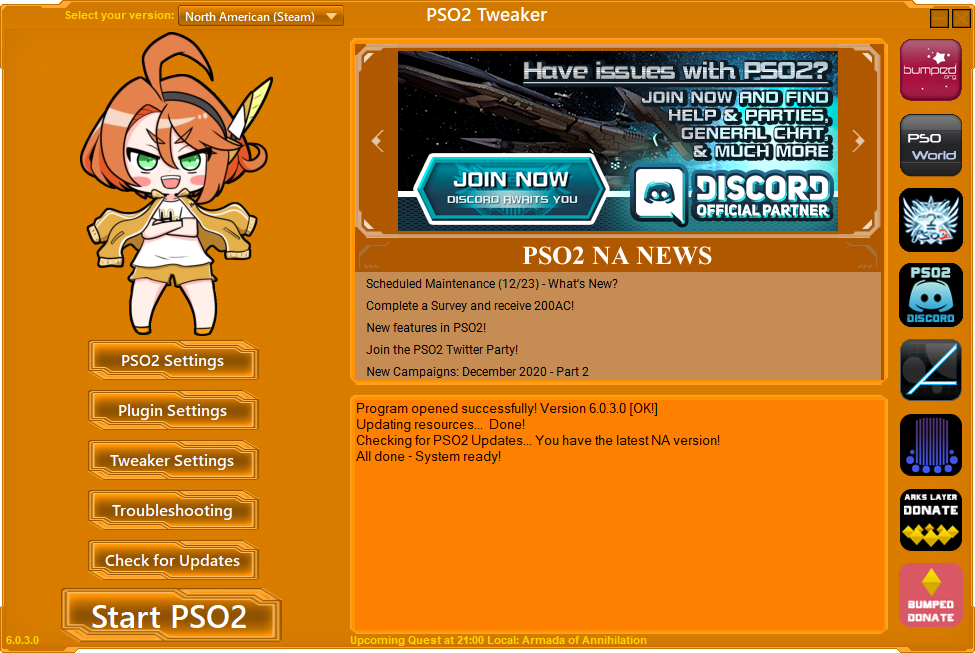
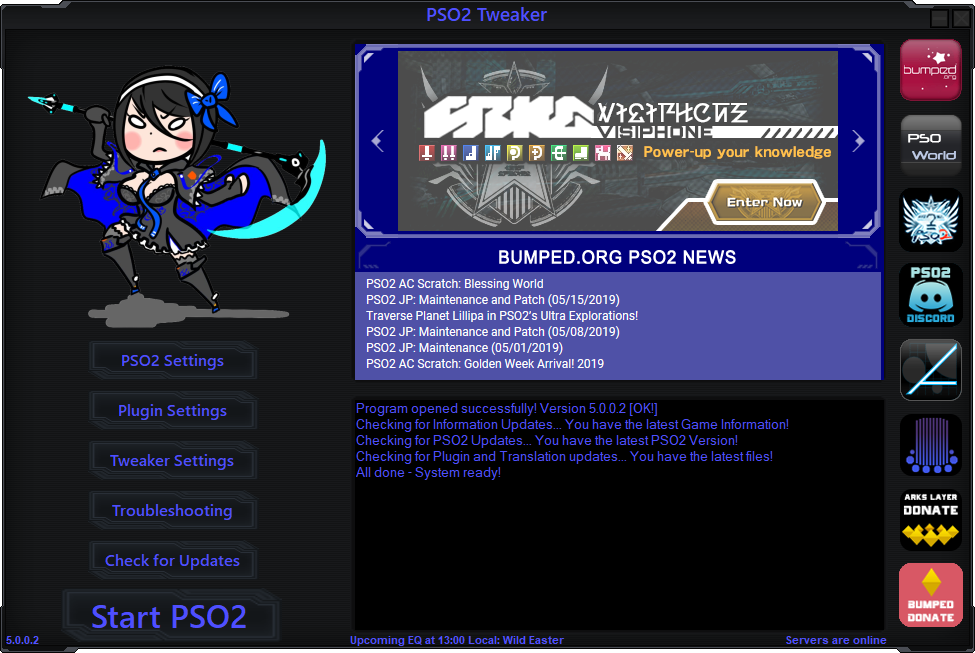
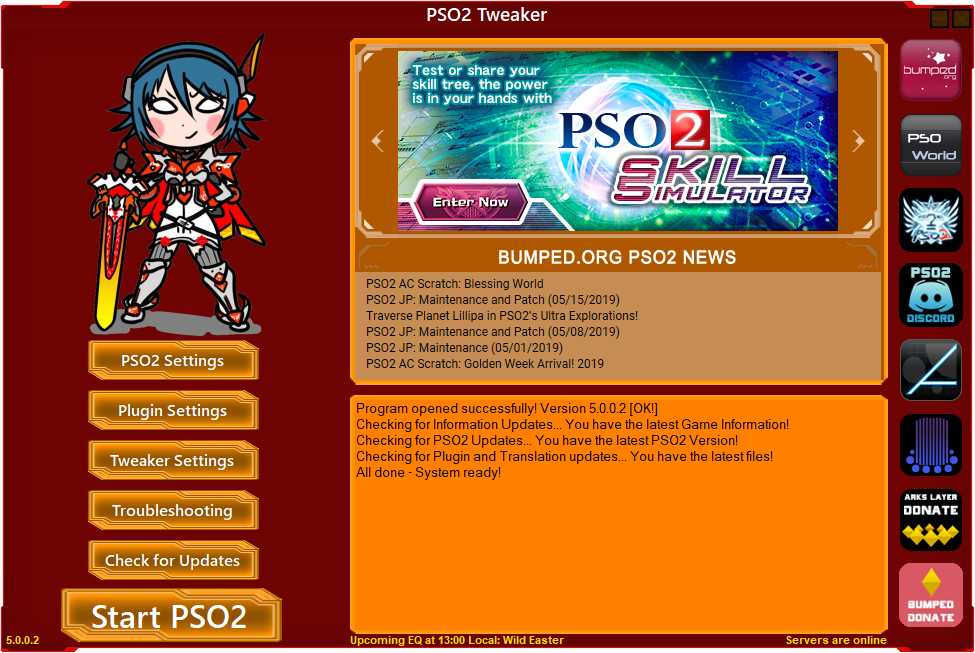
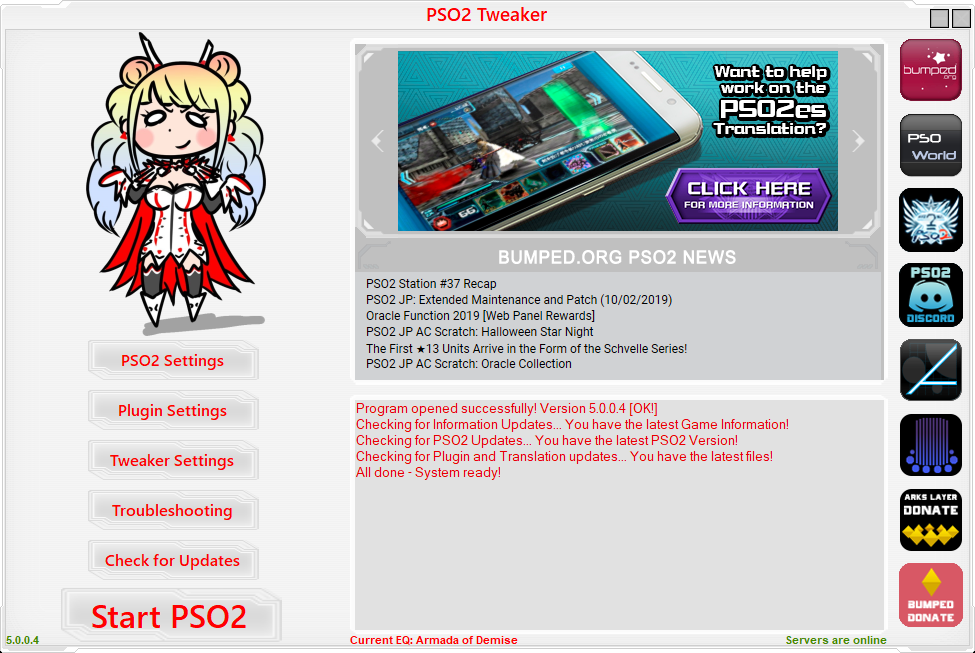
These are ready-to-use PSO2 Tweaker themes created by the people who work on the Tweaker. Click on them to have the Tweaker install them. If you have a cool theme you'd like to see here, send me a DM on Discord (Aida Enna#0001).
User created themes
These are ready-to-use PSO2 Tweaker themes created by users of the Tweaker. Click on them to download them, optionally install any font files in the zips (if they are any), then click "Import theme" in the Tweaker and select the zip file. If you have a cool theme you'd like to see here, send me a DM on Discord (Aida Enna#0001).
Created by noxiousHellcat

Created by noxiousHellcat
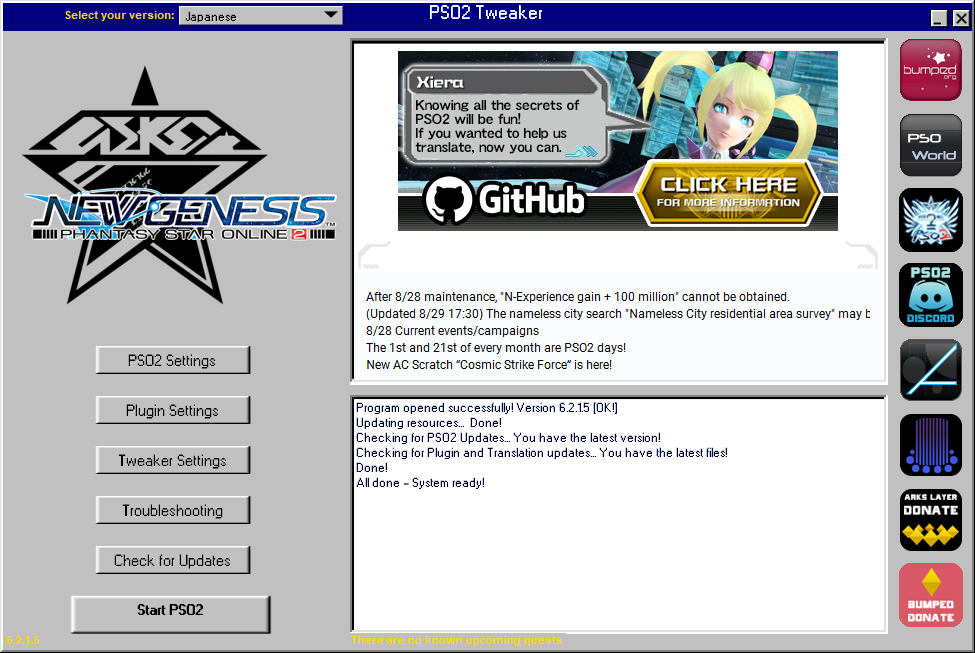
Created by noxiousHellcat

Created by Suzuka Gozen
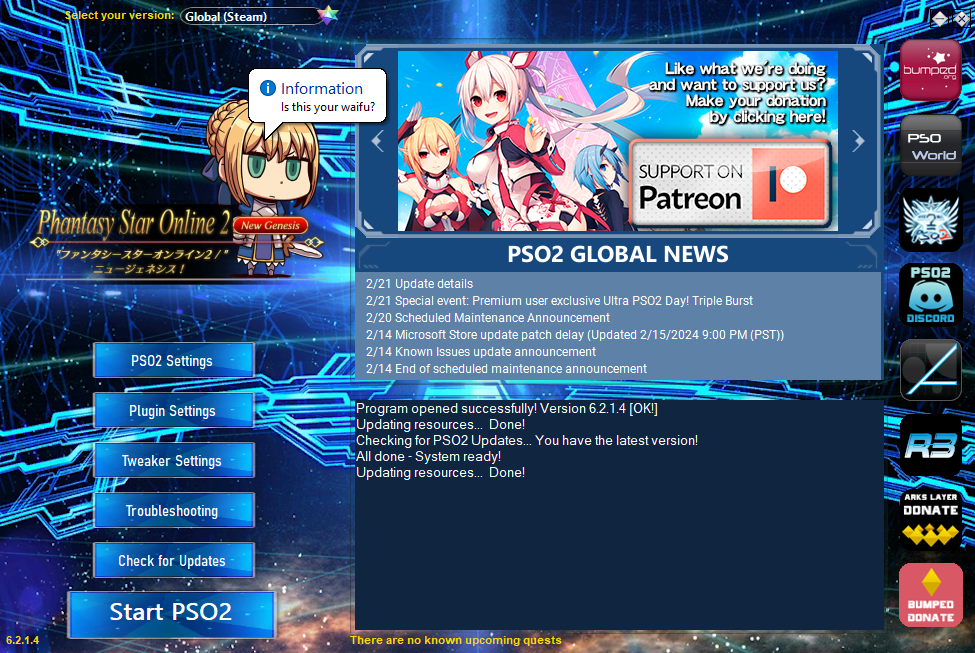
Created by Suzuka Gozen
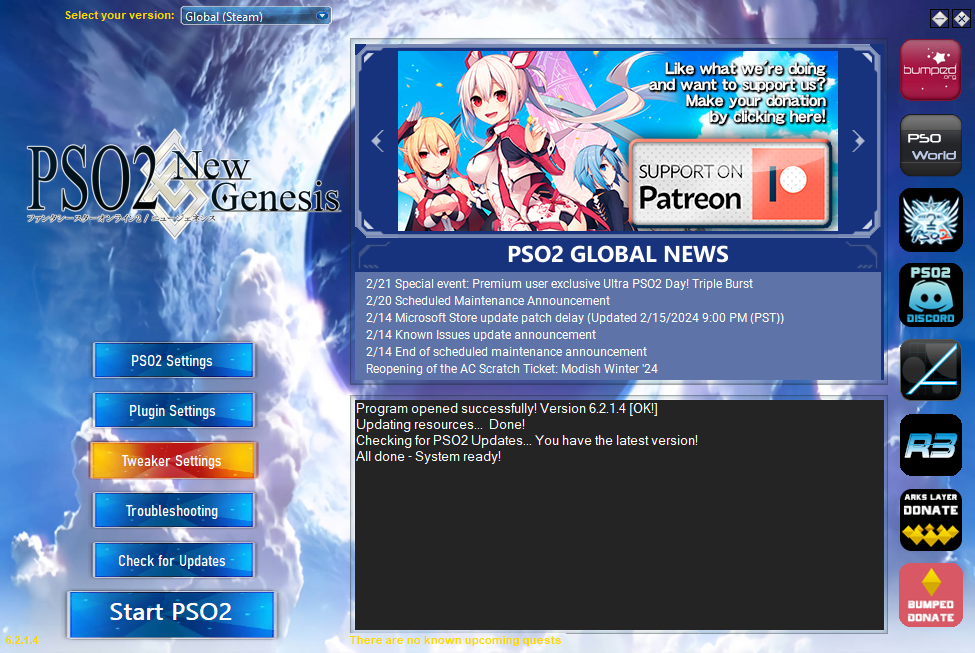
Created by Suzuka Gozen
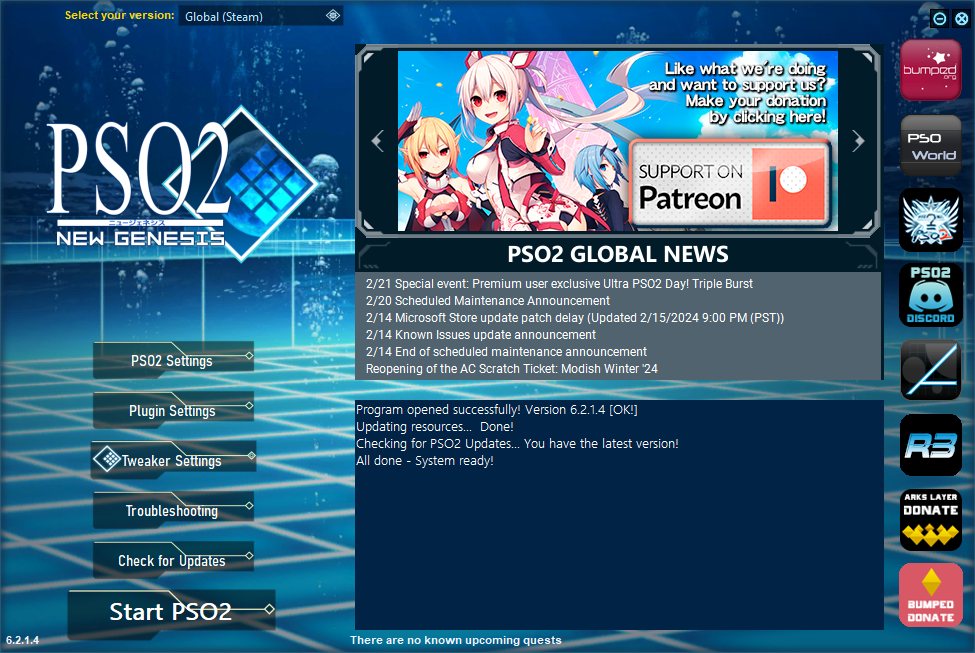
Created by XIIIthLight
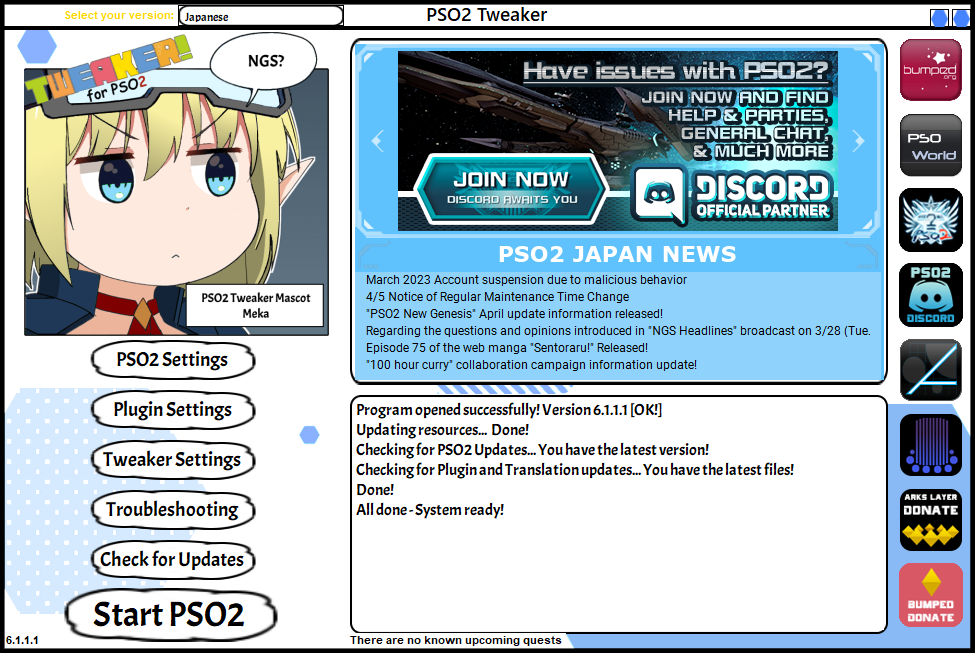
Created by noxiousHellcat
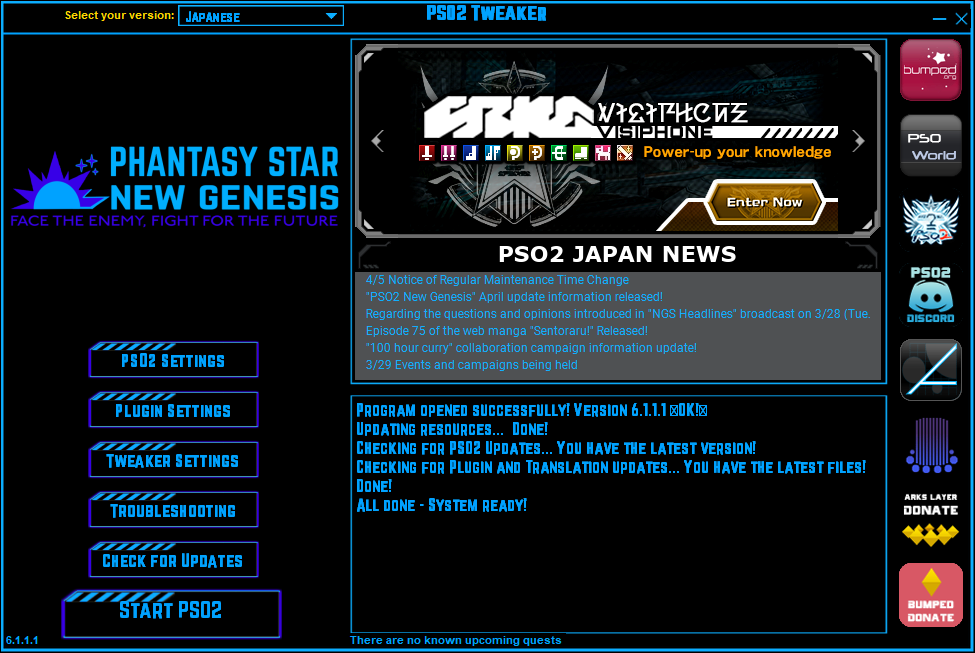
Created by noxiousHellcat
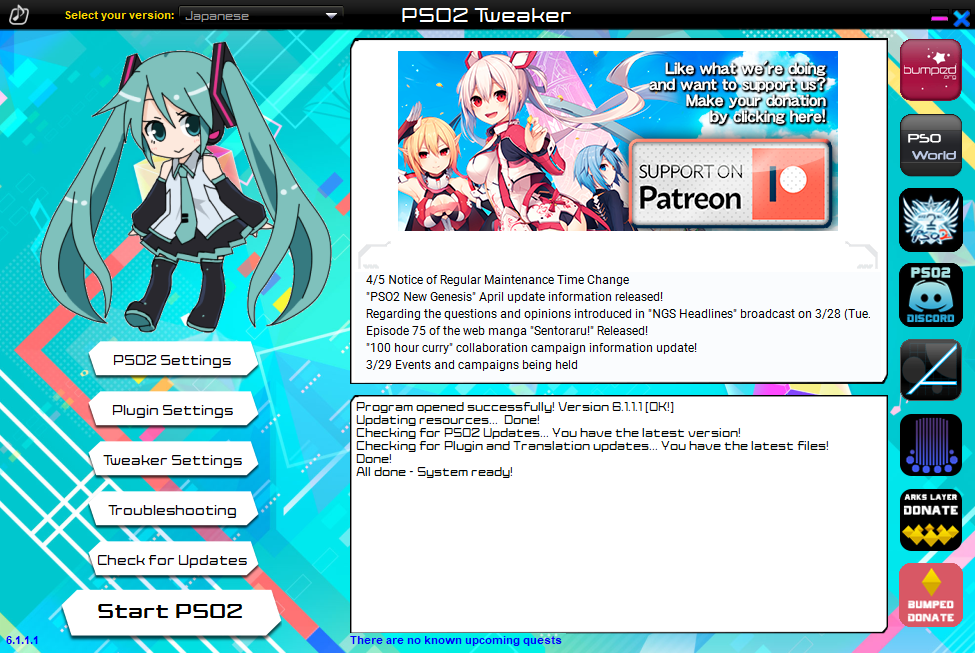
Created by Sumeragi
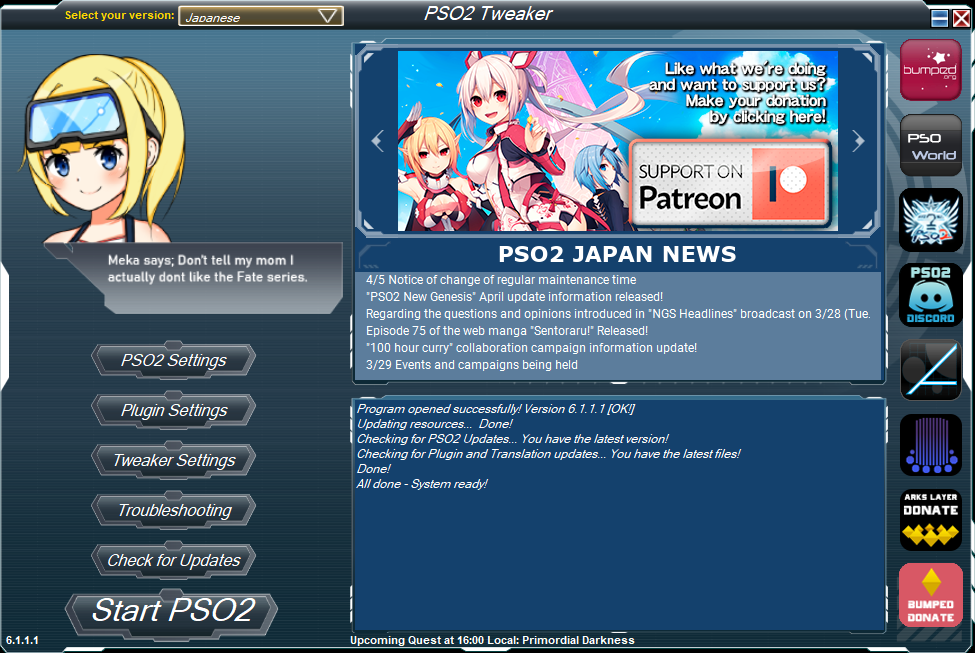
Created by Sumeragi
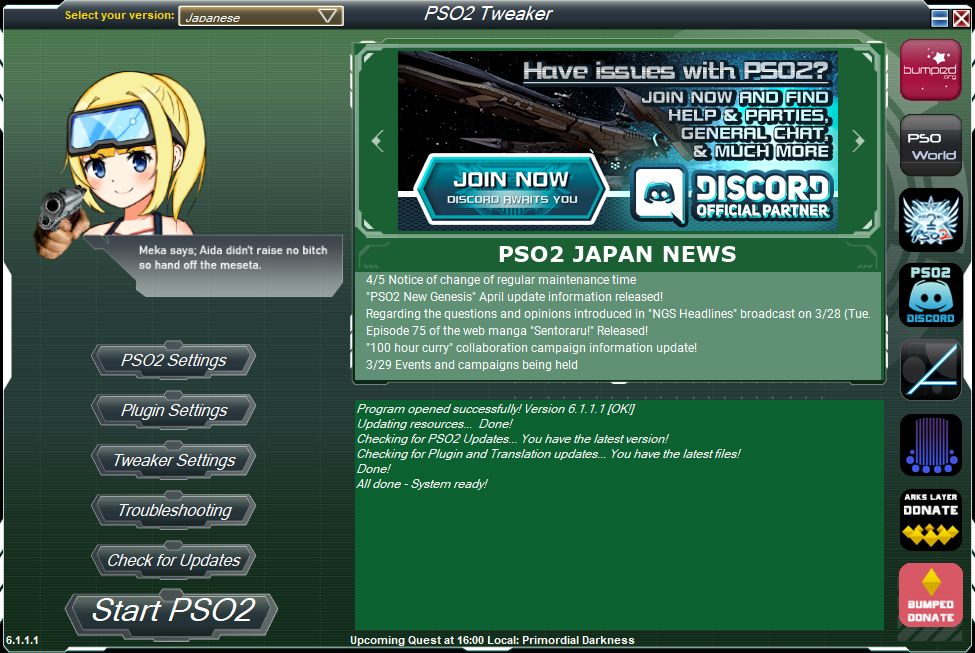
Created by Sumeragi
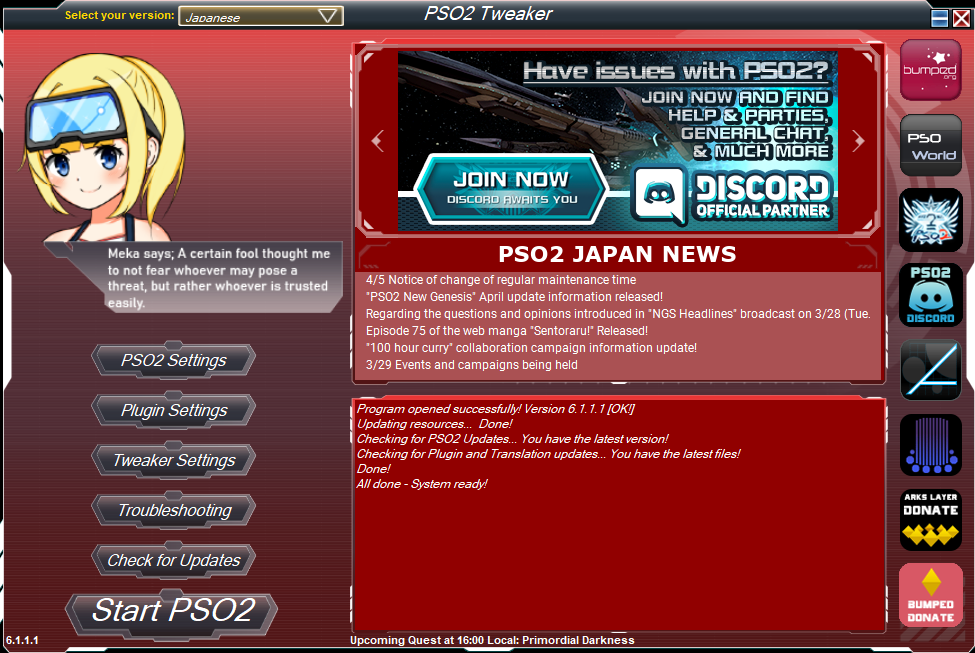
Created by noxiousHellcat
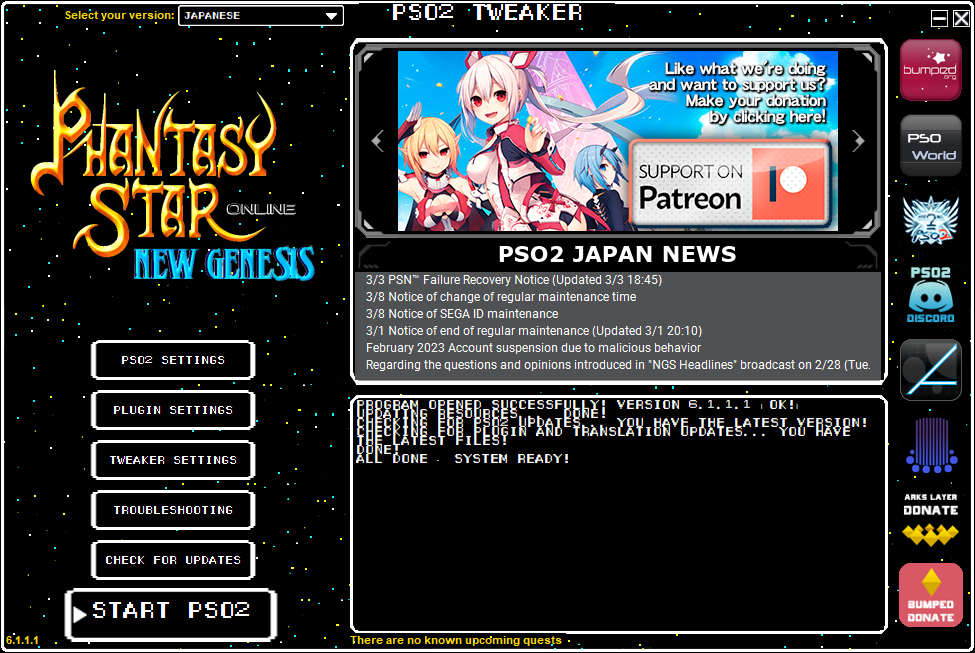
Created by Luka.G
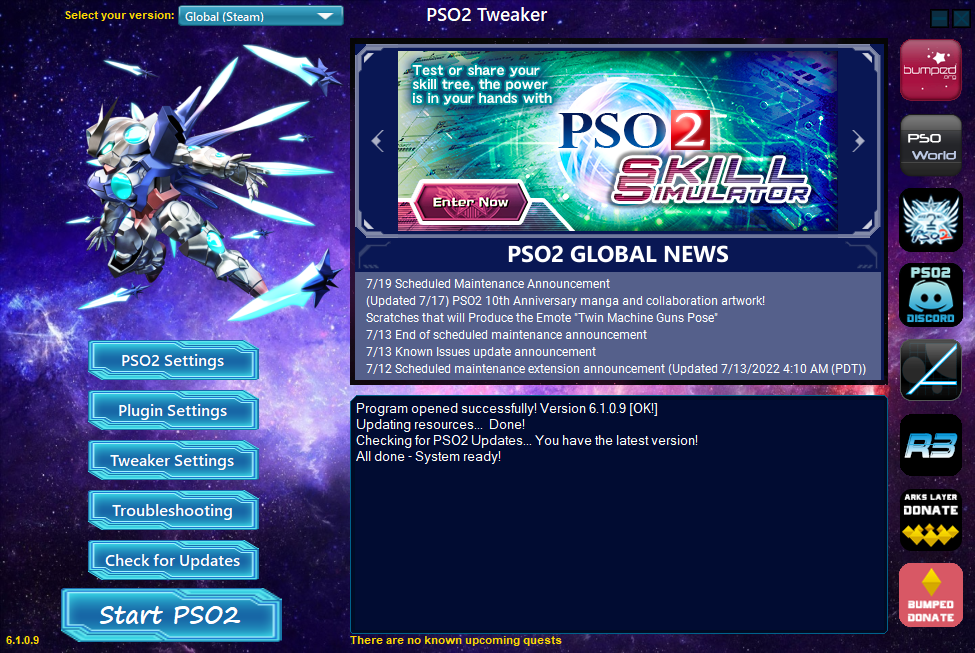
Created by Lyx
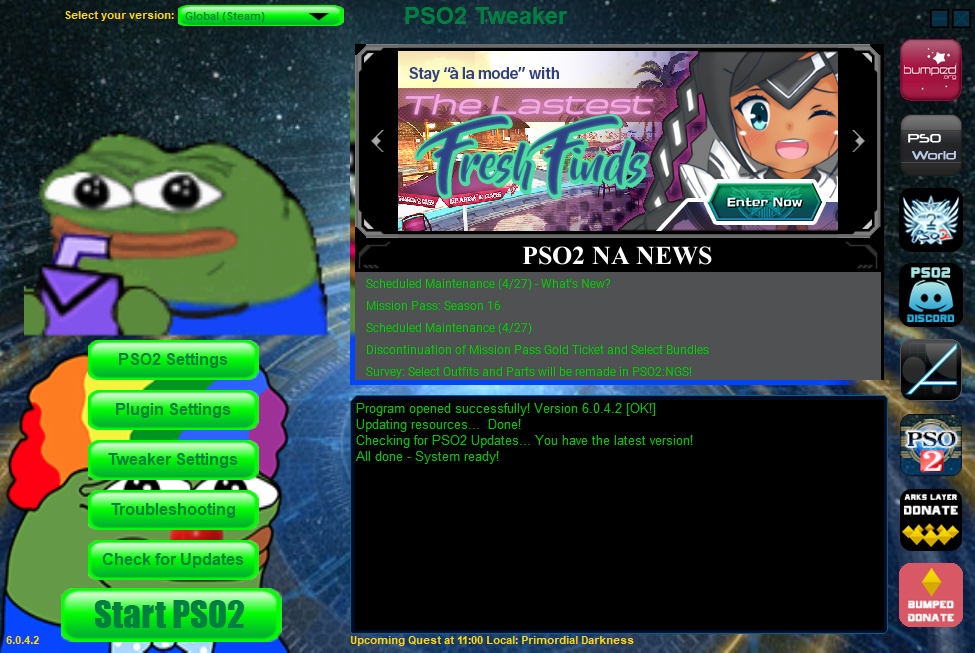
Created by Lyx
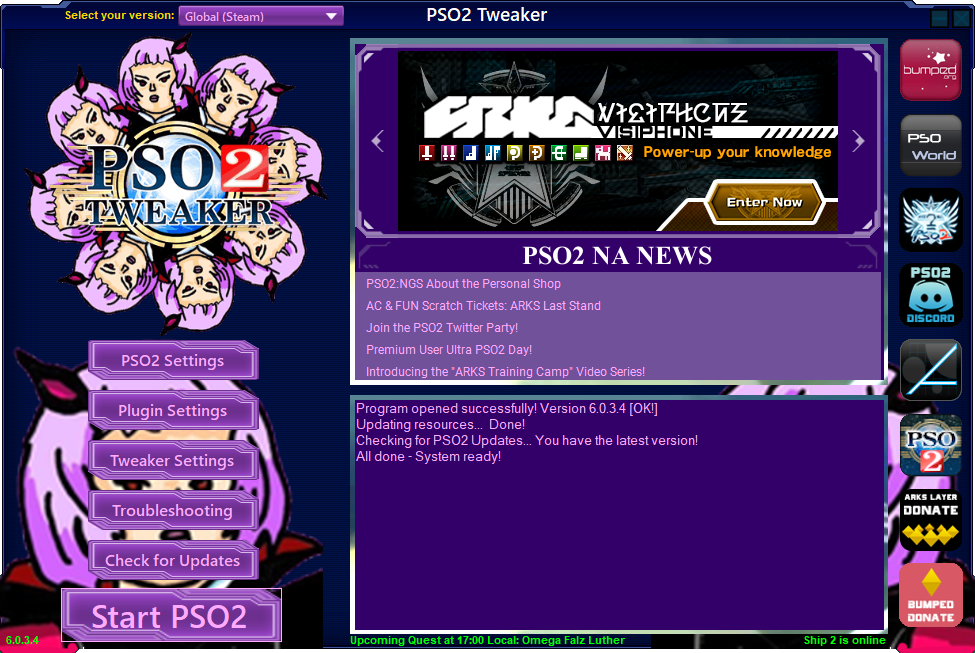
Created by Hirrei#1376
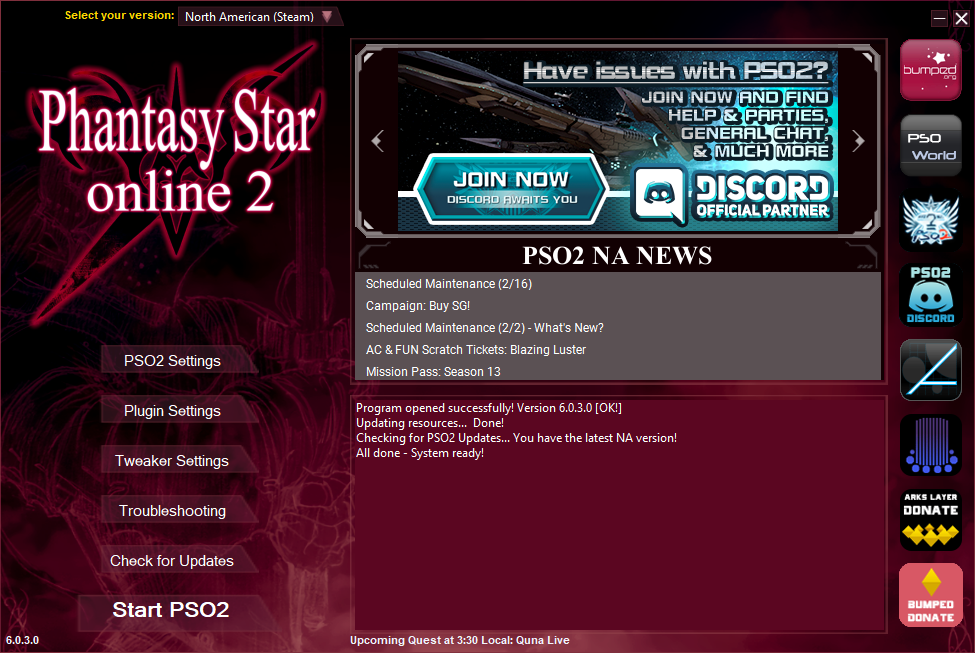
Created by Hirrei#1376
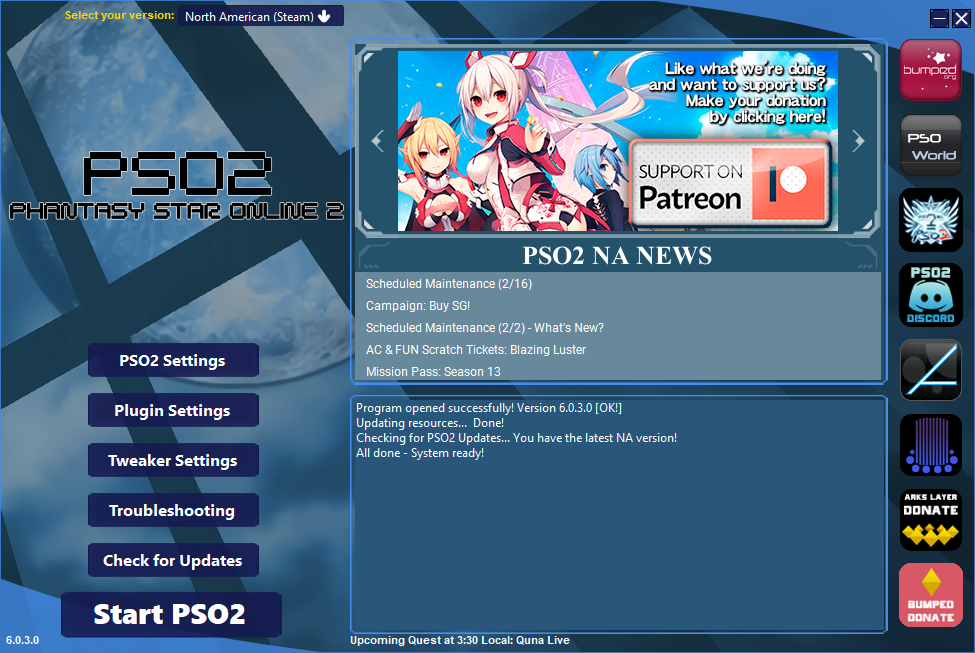
Created by Hirrei#1376
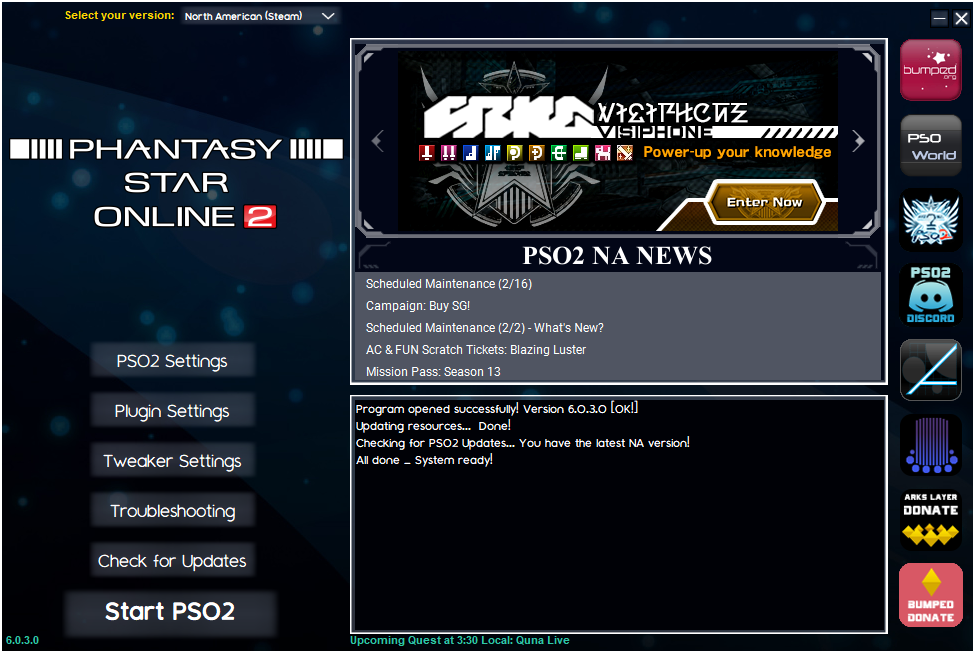
Created by XIIIthLight
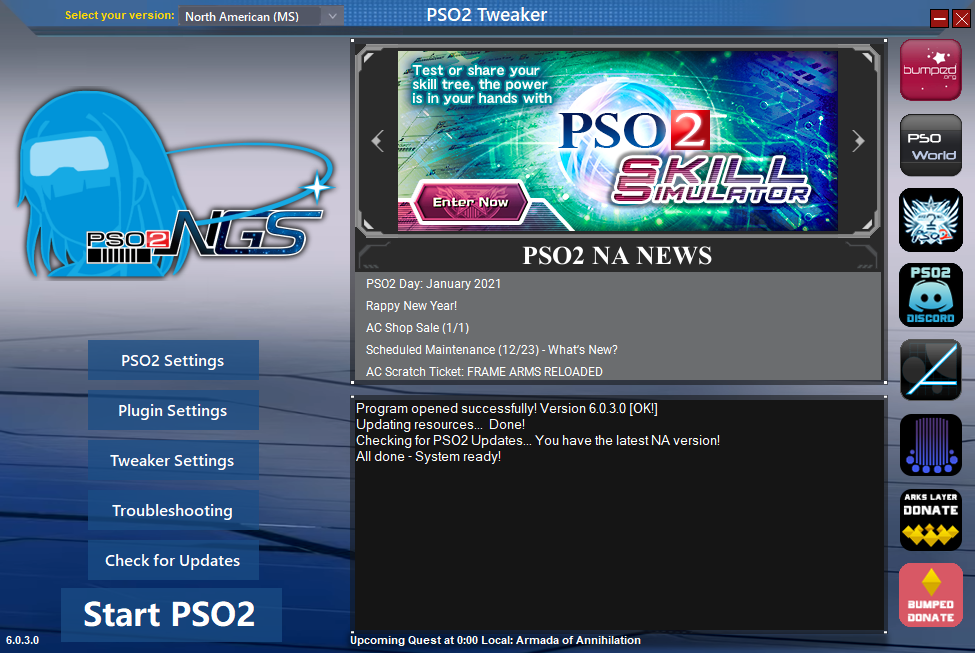
Created by One#3896
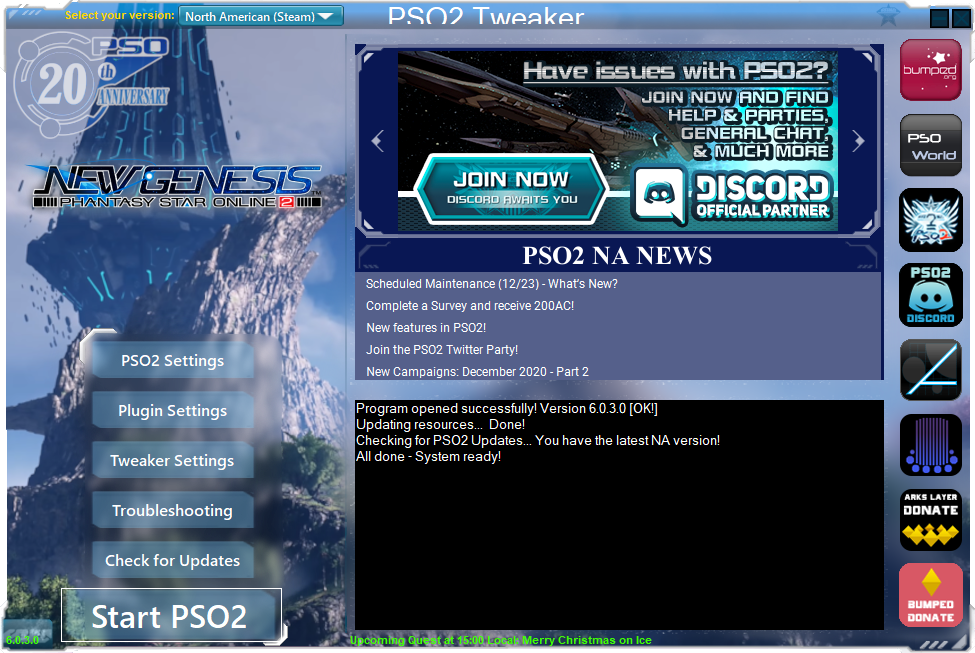
Created by XIIIthLight
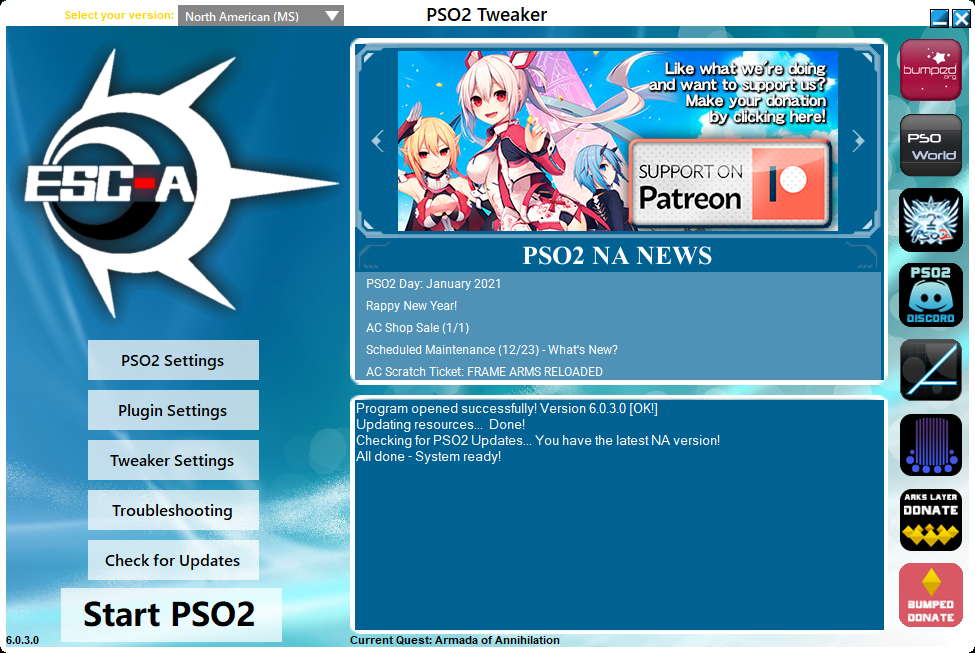
Created by One#3896
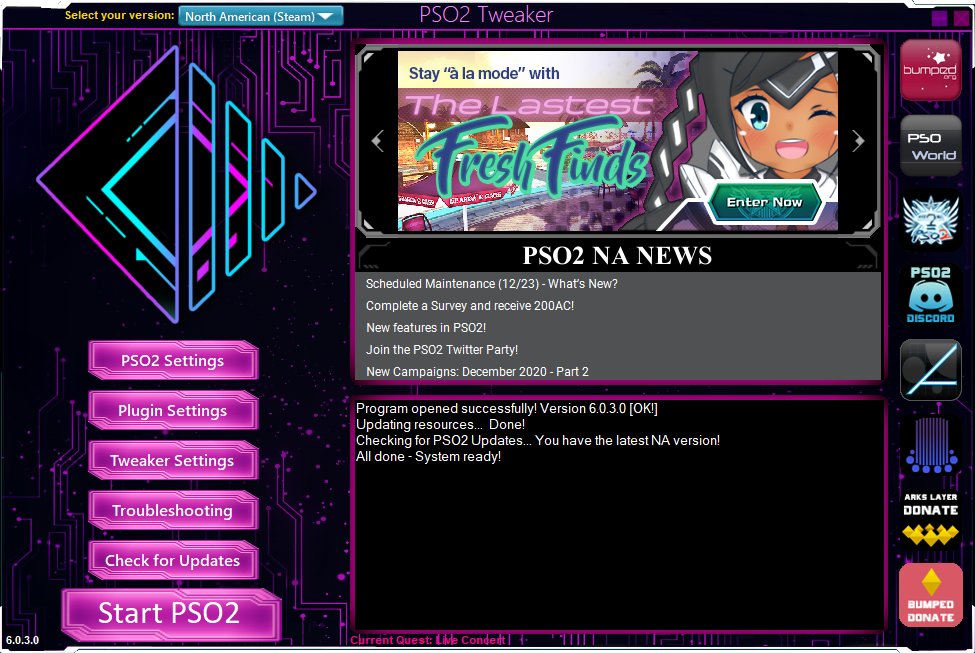
Created by lHgl#4109
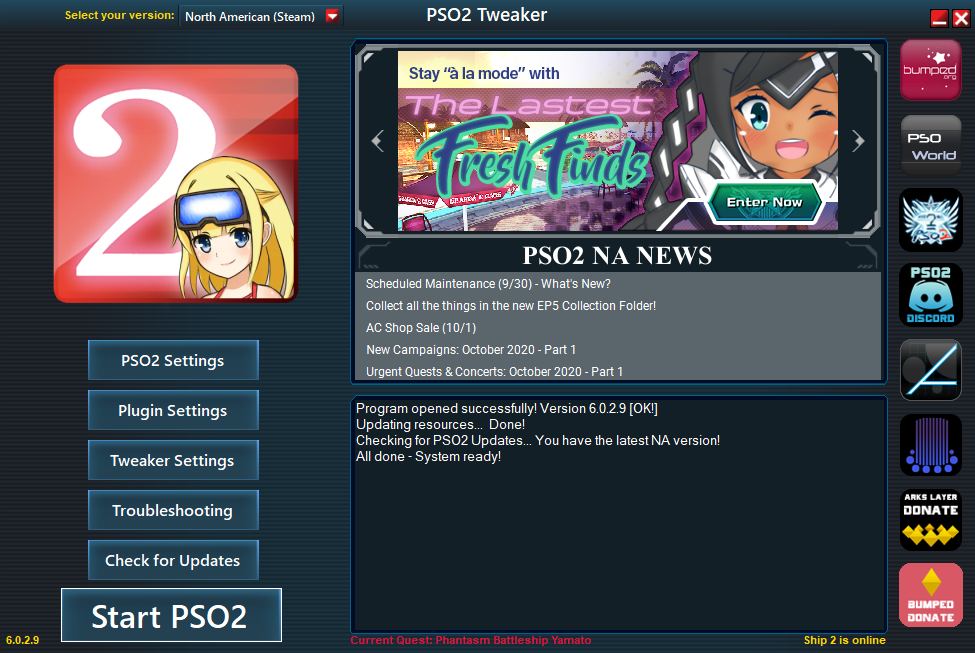
Created by Yuki#0777
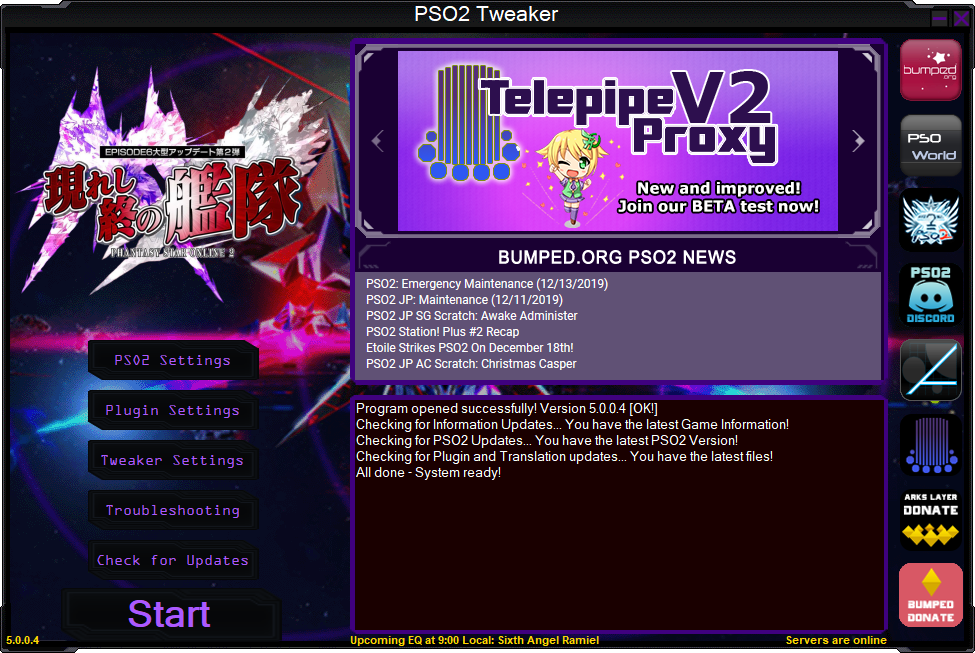
Created by Kichi#3434
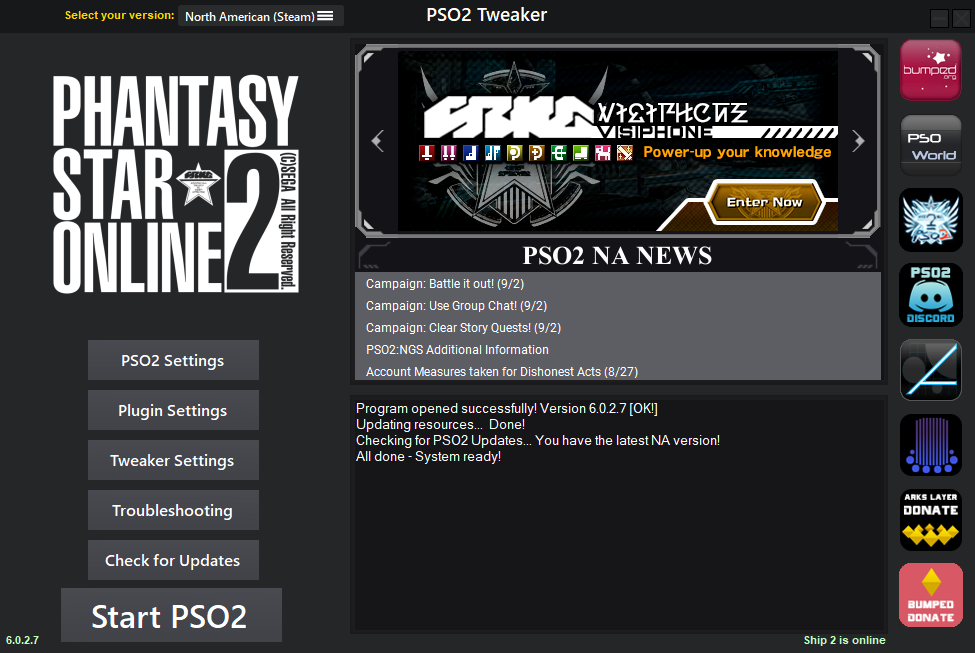
Created by Blazter
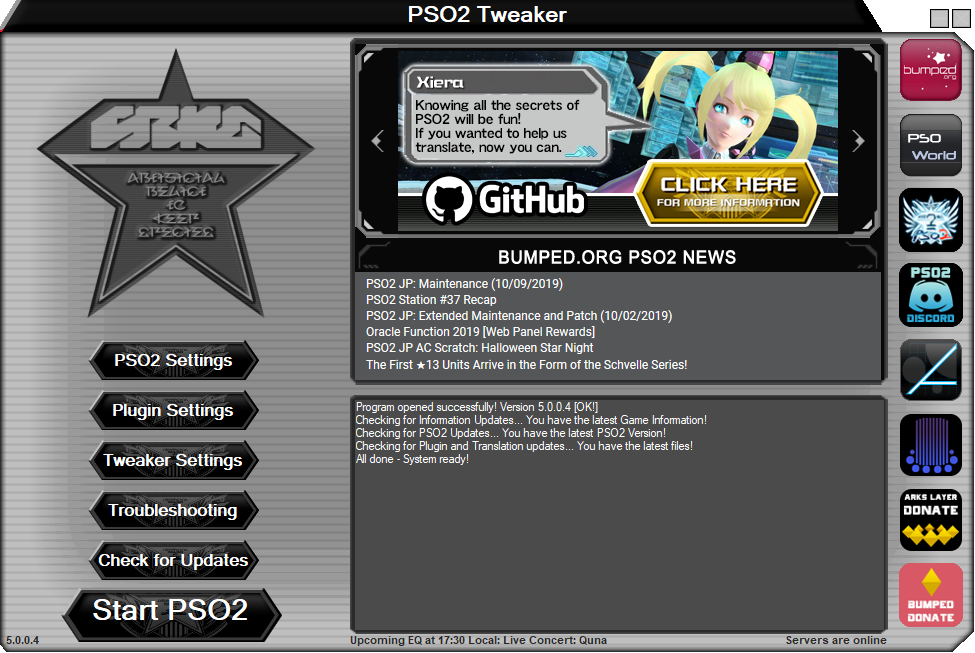
Created by SwagDragon8957